Set up safety compliance for a job
SJMS ships with starter templates — General Site Pre-Start, Working at Heights SWMS, Electrical Isolation JSA — and you can create your own from Field Work → Safety.
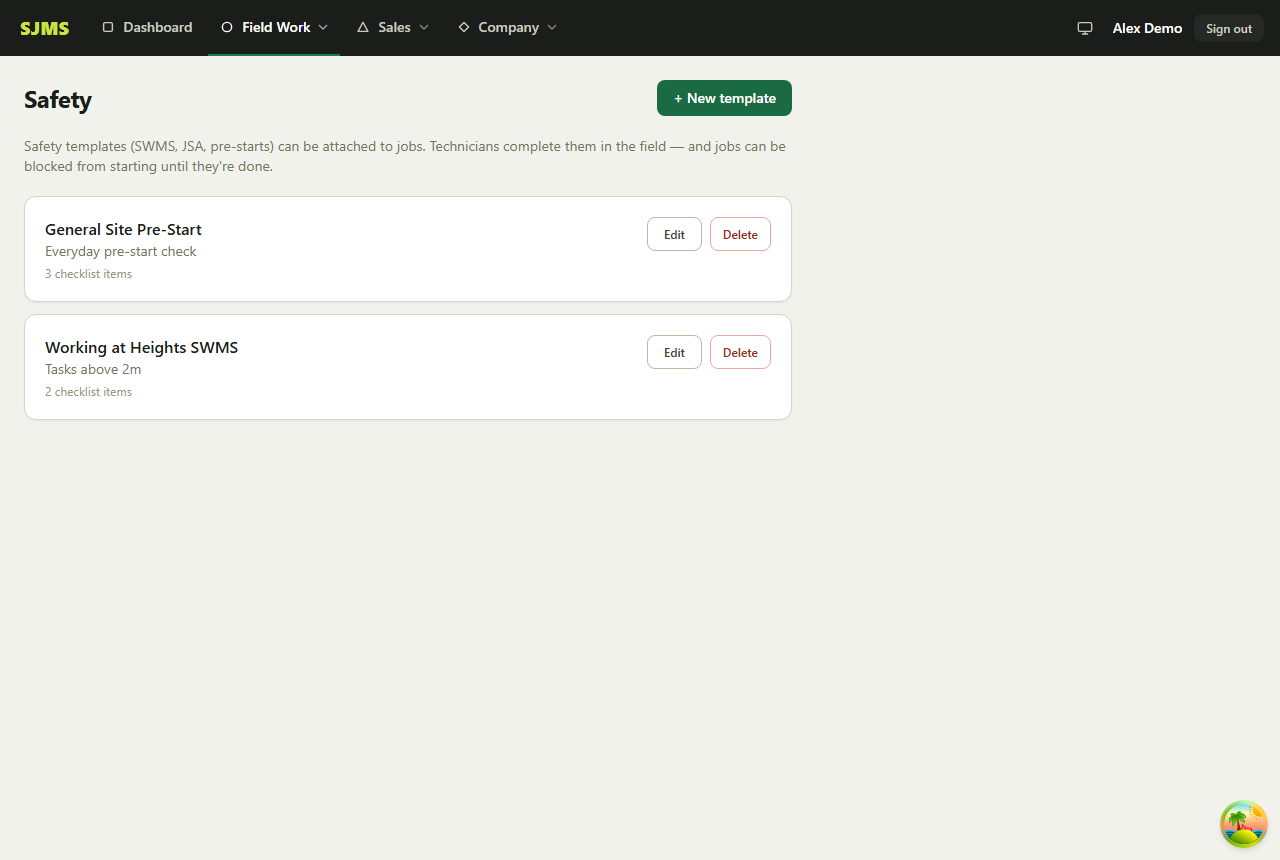
- 1Go to Field Work → Safety to review or create templates — each one is a named checklist of items (e.g. “PPE appropriate for the task and worn”).
- 2When creating or editing a job, tick Safety required and select which template(s) apply.
- 3Optionally gate the job so your crew can't progress it until the safety checklist is completed.
- 4Your crew completes the checklist from the job itself before starting work.
Good to know: Templates are reusable across every job — edit one from Field Work → Safety and future jobs using it pick up the change.