Manage your resources and labor catalog
Field Work → Resources is your price list — every material, piece of equipment, subcontractor line and labor rate you bill against.
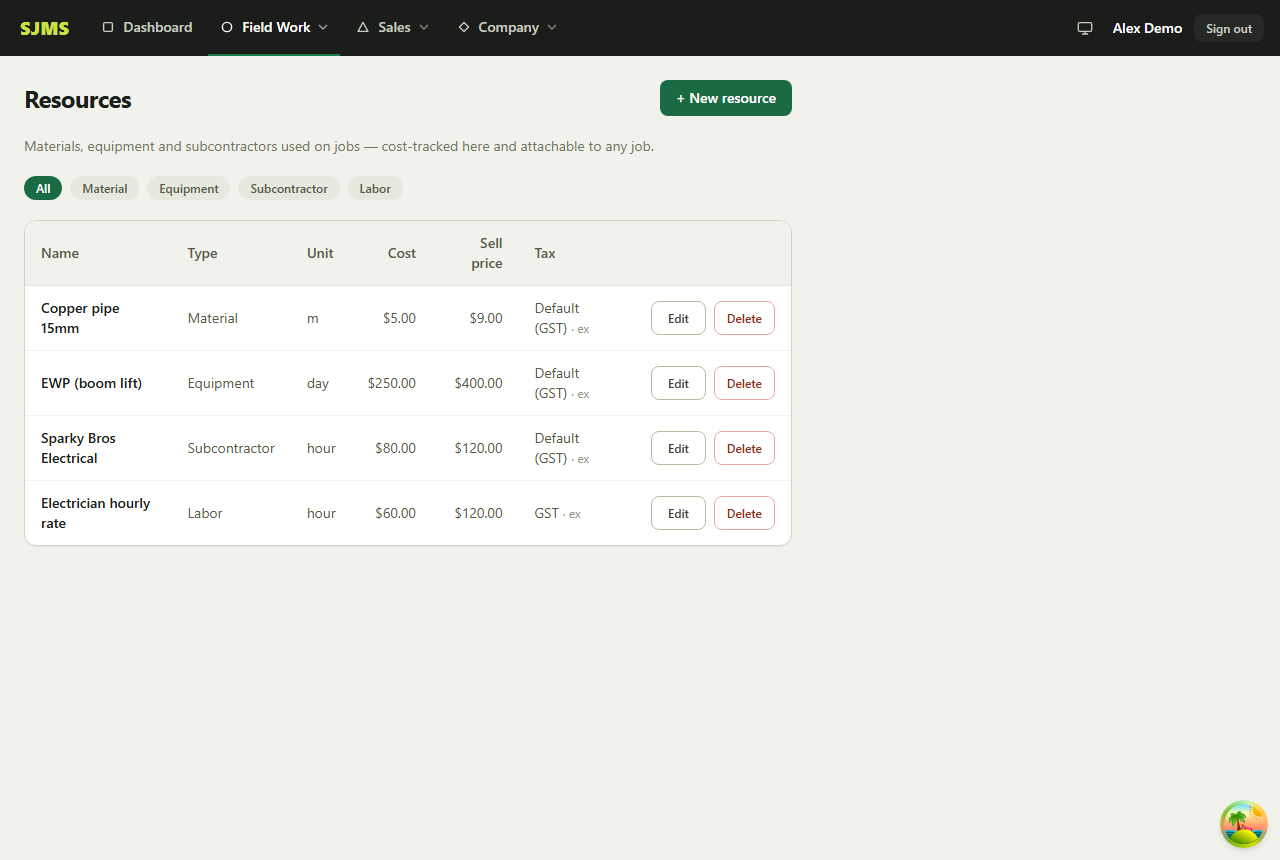
- 1Go to Field Work → Resources.
- 2Add a resource, choose a type — Material, Equipment, Subcontractor or Labor — and set its cost and sell price.
- 3Set whether GST applies (Default / GST / None) and whether the sell price already includes tax.
- 4Attach resources to a job, then create a quote from that job — SJMS pre-fills the quote's line items straight from the attached resources.
Good to know: Filter the resources list by type any time using the filter at the top of the page.