Add notes, photos and files to a job
Every job has its own diary and attachments on the job's detail page (Field Work → Jobs → select a job).
- 1Under Photos & files, click 📎 Upload to attach a site photo, video or PDF.
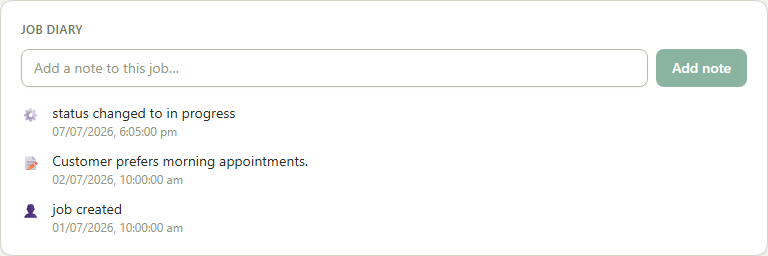
- 2Under Job diary, type into “Add a note to this job…” and click Add note — check-ins, check-outs and status changes are logged here automatically too.
- 3When you're ready to update the customer, click 📧 Email report to customer, tick which diary entries to include, and send.
Good to know: Job diary entries can't be deleted once added — they're a running record of what happened on the job.