Add and manage your customers
Sales → Customers is your CRM — every customer you quote, invoice or schedule a job for lives here.
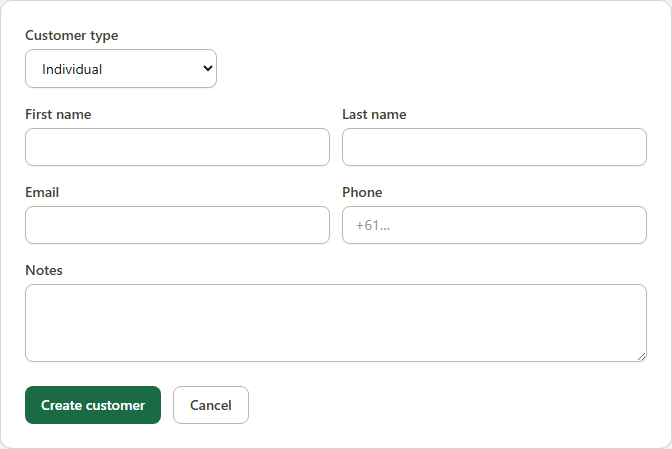
- 1Go to Sales → Customers → New Customer.
- 2Choose Individual or Business — business customers can record a company name and ABN.
- 3Fill in email, phone and any notes, then click Create.
- 4Open any customer to see their full history — jobs, quotes and invoices — and to add site addresses.
Good to know: A customer's ABN and details flow straight onto every quote and invoice you send them.