Connect Xero to sync invoices
SJMS pushes data one-way into Xero — nothing changed in Xero ever comes back. Once connected, it stays connected until you disconnect it.
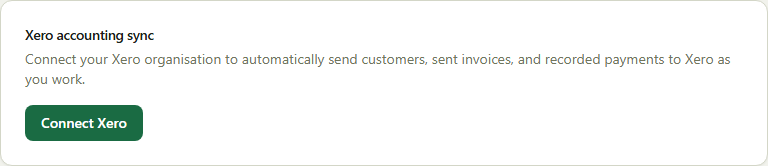
- 1Go to Company → Business and find the Xero card.
- 2Click Connect Xero and sign in to Xero to approve access.
- 3New and updated customers sync as Xero contacts automatically.
- 4Invoices sync the moment you send them (not while still a draft); payments sync the moment they're recorded.
Good to know: The Xero card shows how many customers and invoices haven't synced yet, and flags it clearly if Xero ever needs you to reconnect.