Accept an online card payment on an invoice
SJMS uses Stripe Connect so payments go straight into your own bank account — SJMS never holds your money, and only takes its platform fee off each transaction.
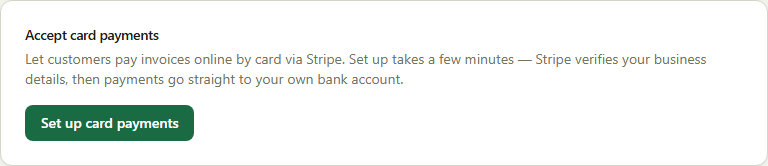
- 1Go to Company → Business and find the Payments card.
- 2Click Set up card payments and complete Stripe's short onboarding (business details, bank account).
- 3Once connected, every sent invoice includes a secure “Pay $X now” link — send it by email or share the link directly.
- 4Your customer pays on a public page, no SJMS login needed — the invoice updates to paid automatically once Stripe confirms the charge.
Good to know: The platform fee is shown up front and deducted automatically — you never need to invoice for it separately.