Set up staff roles and permissions
SJMS has six roles — Owner, Admin, Office Manager, Technician, Subcontractor and Read-only. A teammate's role controls which nav items and actions they see.
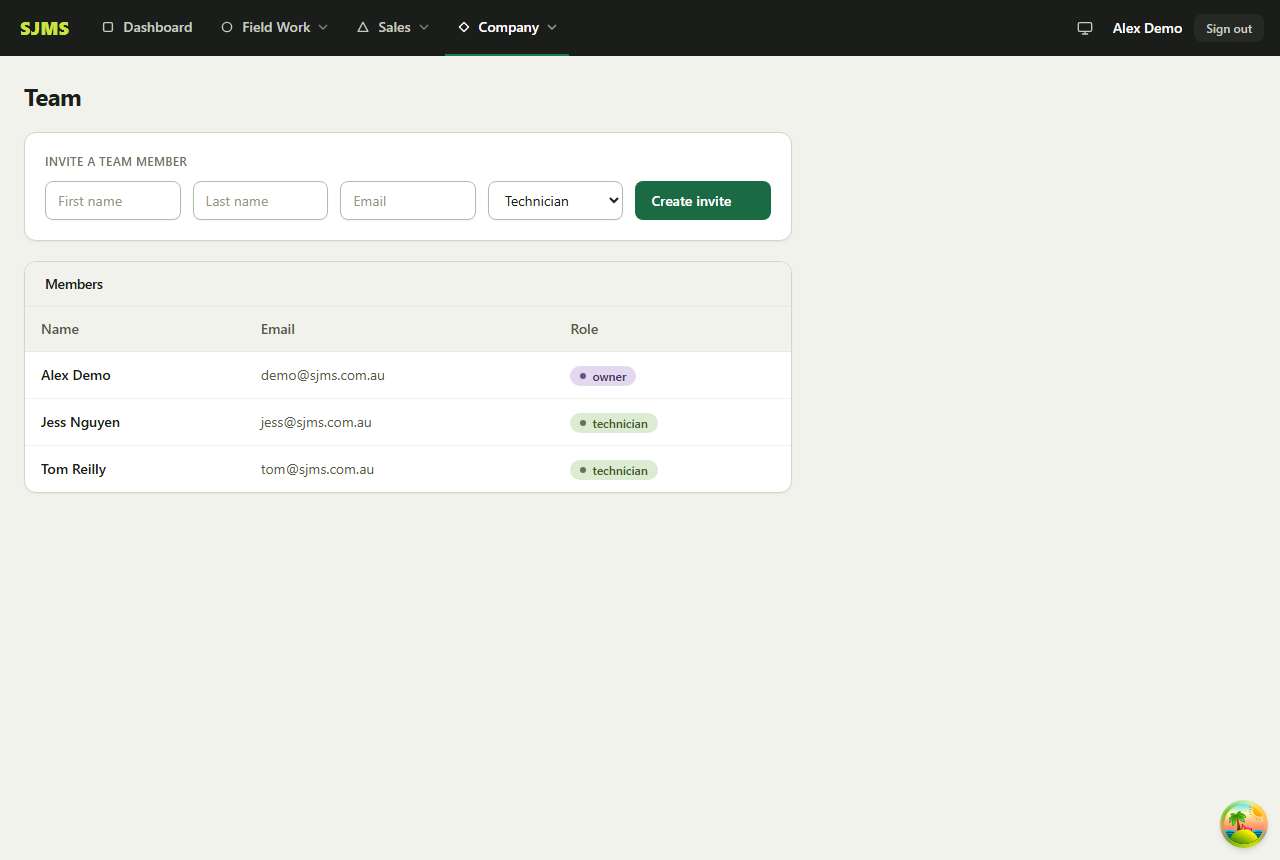
- 1Go to Company → Team.
- 2Fill in your teammate's first name, last name, email and role under “Invite a team member”, then click Create invite.
- 3Share the generated invite link with them — it signs them straight into your business once they set a password.
- 4Change anyone's role any time from the same Team page.
Good to know: Only Owner and Admin can open the Team page — everyone else won't see it in the nav at all.