Customize your email templates
Company → Email Templates covers three groups — Quotes, Invoices and Job reports — each with its own emails (e.g. the invoice email and the overdue reminder).
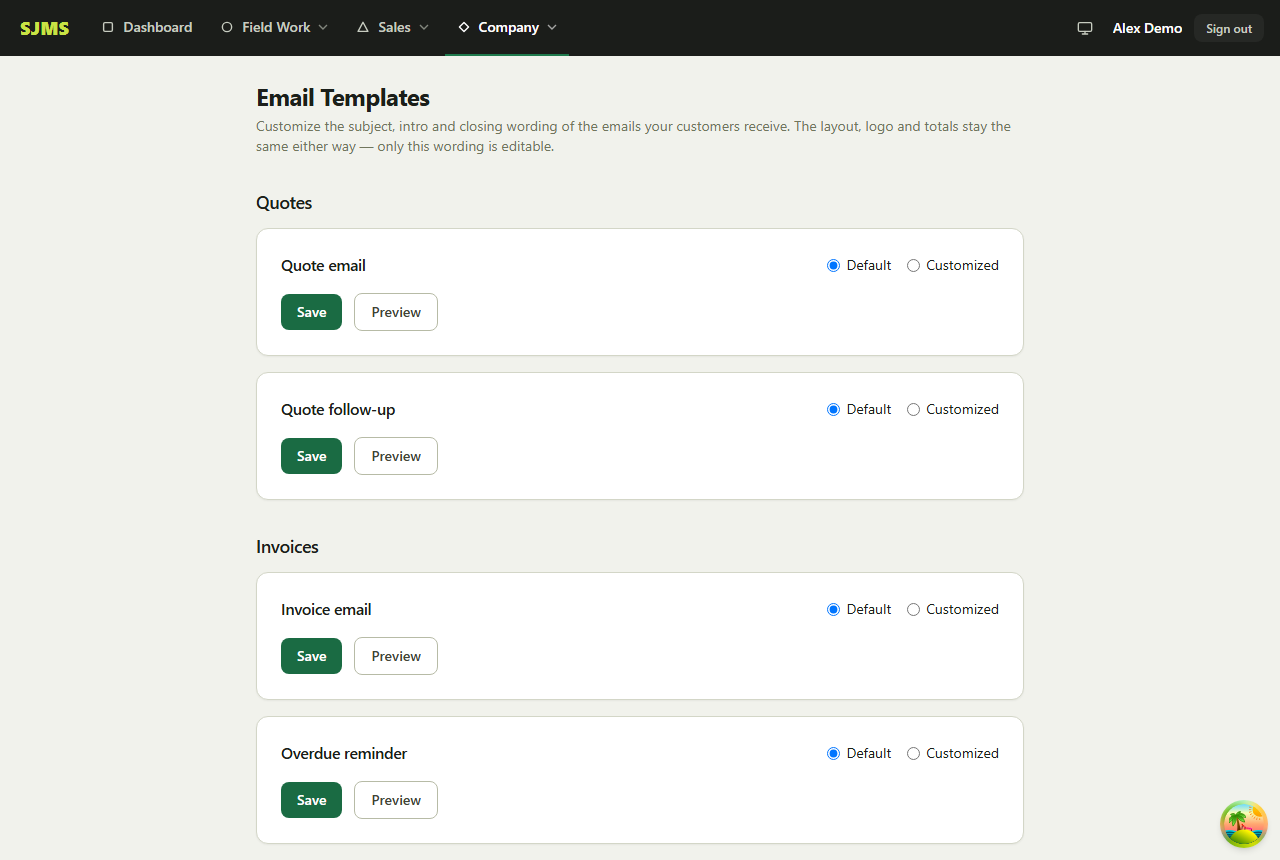
- 1Go to Company → Email Templates.
- 2Pick a template — e.g. “Invoice email” or “Overdue reminder” — and edit its subject, intro or closing text.
- 3Use the tokens shown for that template (like {invoiceNumber} or {businessName}) to pull in real details automatically.
- 4Click Save, or Preview first to see exactly what your customer will receive.
Good to know: Leave a template untouched and it just uses SJMS's default wording — you only need to edit the ones you want to personalize.