Cancel or resume your subscription
You're always in control of your plan from Company → Billing.
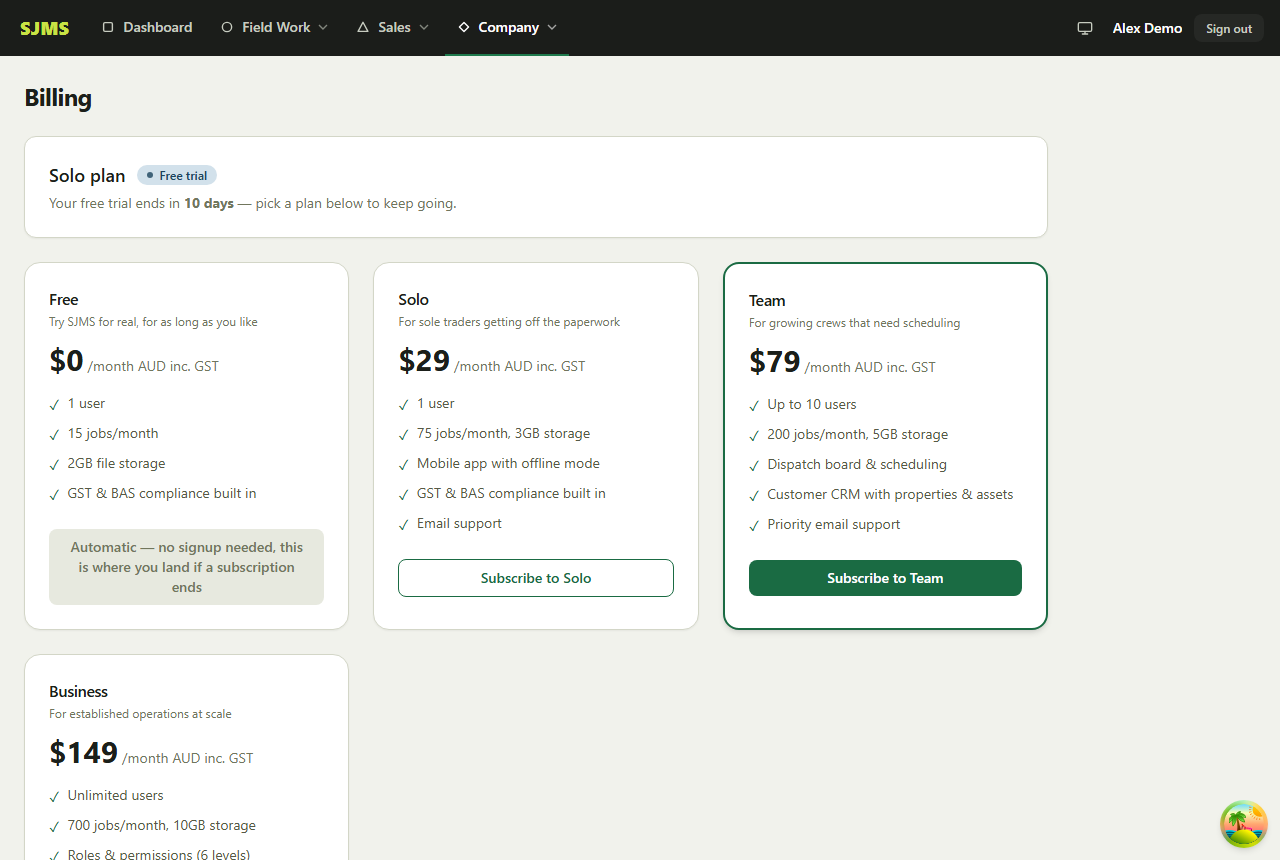
- 1Go to Company → Billing.
- 2To cancel, click Cancel subscription and confirm — you'll keep full access until your current billing period ends, then your account moves to the Free plan automatically.
- 3To change plans instead, pick a different plan card and subscribe to it.
- 4Changed your mind after canceling? Resume any time before the period ends, from the same page.
Good to know: Canceling never deletes your data — jobs, customers, quotes and invoices all stay put on the Free plan, just under its limits.