Install the SJMS Android app
The Android app is built for field crews — GPS check-in, safety forms, job photos and diary notes, right from the job site.
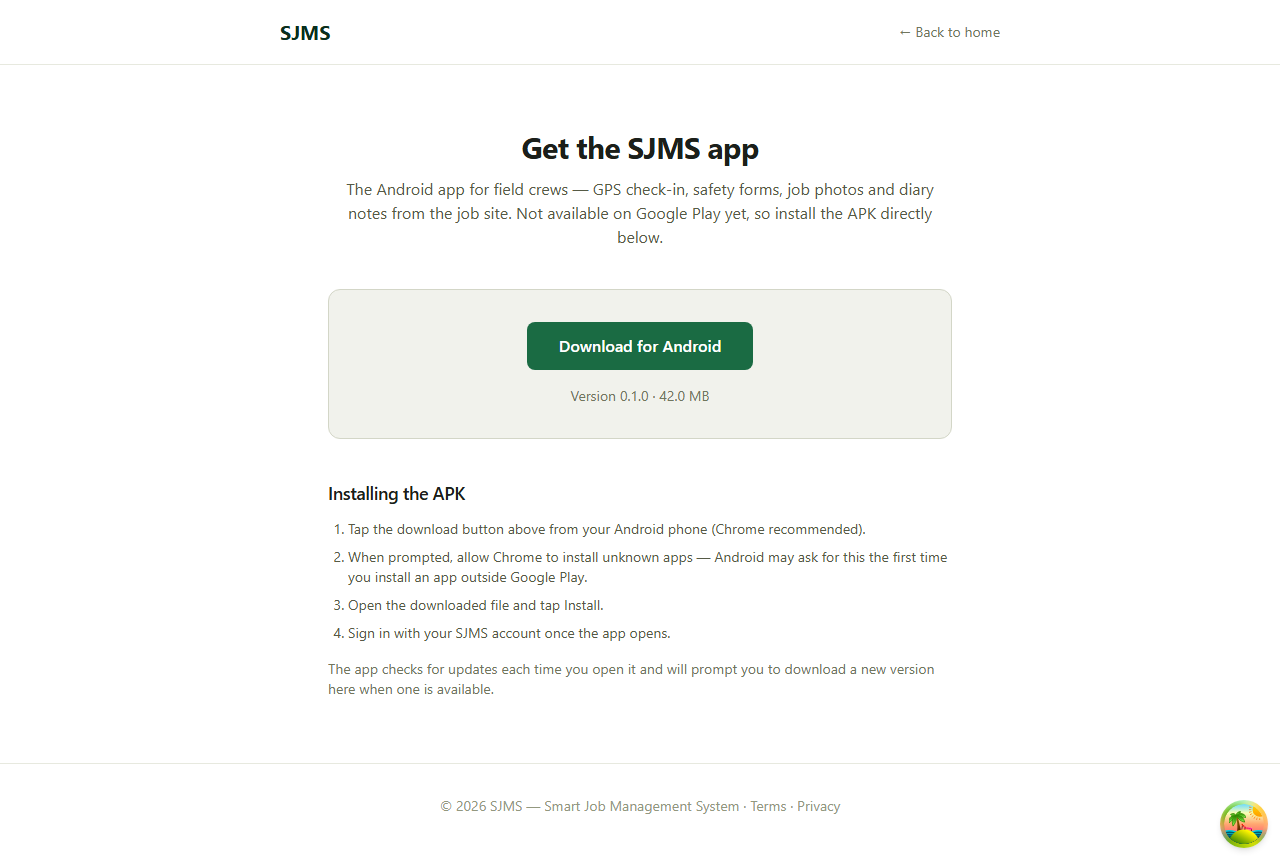
- 1From your Android phone, go to smartjobmanager.com/get-app (Chrome recommended).
- 2Tap Download for Android.
- 3When prompted, allow Chrome to install unknown apps — Android asks for this the first time you install an app outside Google Play.
- 4Open the downloaded file, tap Install, then sign in with your SJMS account.
Good to know: The app checks for updates every time you open it, and prompts you to download a new version here when one's available.